Prior to connecting a PAX device, it is recommended to include the PAX driver on your PC. The driver is available for download here and is located under “Device Drivers”.
Follow the instructions below for installing the PAX Driver:
1 Disconnect the PAX device from your PC.
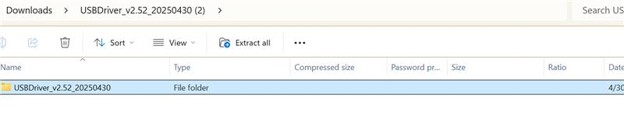
2 Download the PAX Driver below (.zip).
3 Unzip the folder contents and extract to your desktop.
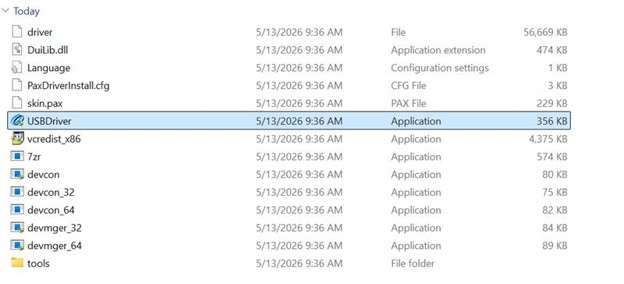
4 Select the “Application” from the extracted files to download and install the driver.
5 Click the “One-Click Install” button from the application. A progress bar will appear.


6 Click “Finish” when the progress bar is complete.

7 Reboot PC.
8 Connect PAX unit.
9 Confirm that the PAX unit is properly set for USB communication. Check the How to Change PIN Pad Interface Settings blog post for specific instructions.
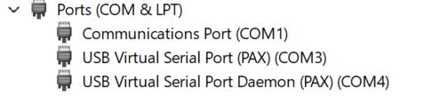
10 Under Device Manager, two USB selections will be shown. For the Point of Sale system’s ComPort value, select the “non-Daemon” value.